
The Smarter Way to Manage Part L Evidence Across Multiple New Build Plots
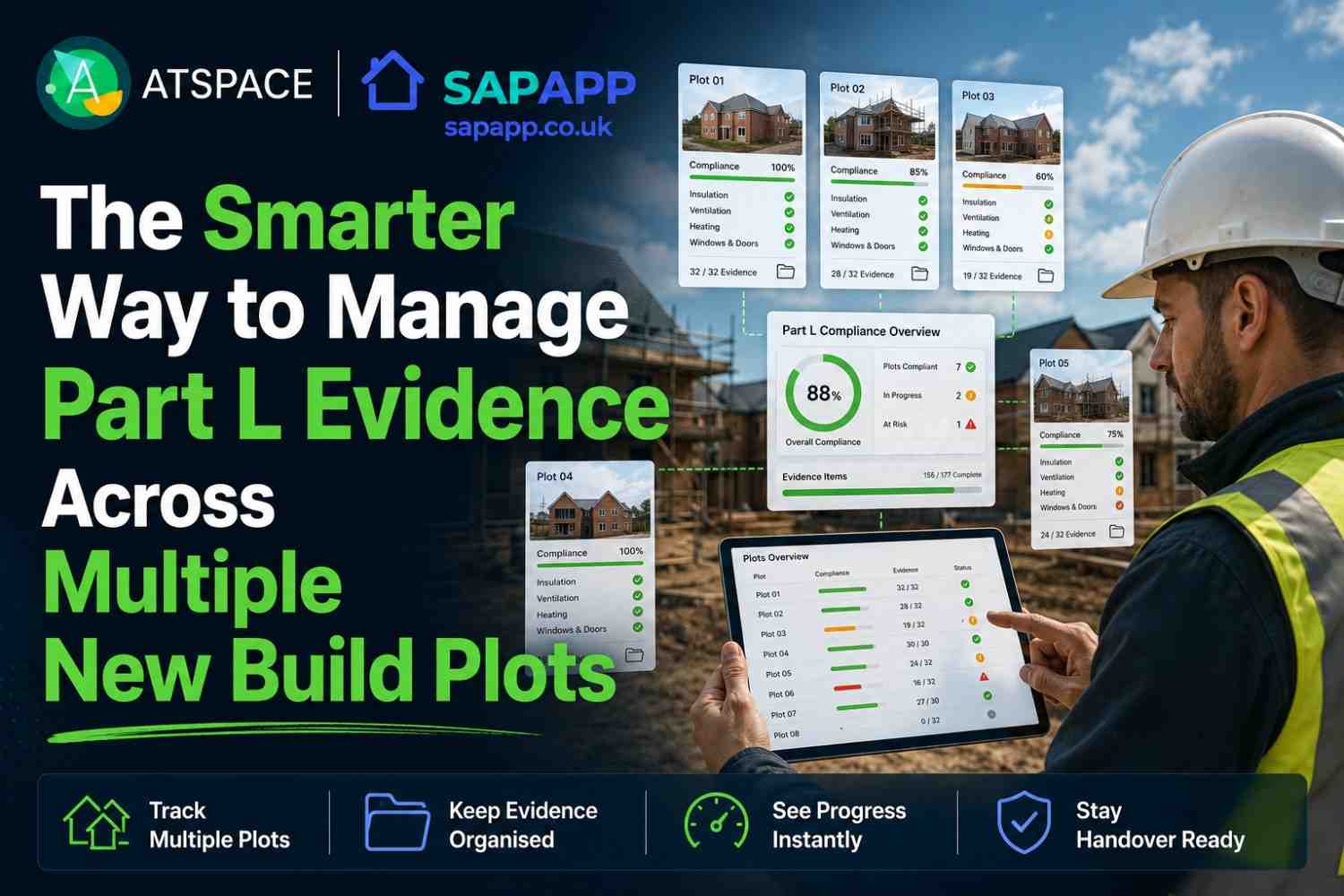
The Smarter Way to Manage Part L Evidence Across Multiple New Build Plots
One plot is manageable.
Five plots need a system.
Twenty plots can quickly become a mess if every site photo, product change, SAP query and close up detail is sitting in a different place.
That is the problem many builders are now facing with Part L evidence. The build may be moving well, but the records behind it are not always keeping up.
A site manager might have insulation photos on their phone. The assistant site manager might have window reveal photos in a message thread. The contracts manager might have the heating specification in an email. The SAP assessor might still be working from the original design information. The ventilation contractor might not have issued commissioning details yet.
By the time handover gets close, nobody wants to be searching through hundreds of mixed photos asking which plot, which detail, which date and which specification.
That is where a Part L evidence app like SAPAPP gives builders a smarter way to work.
Approved Document L Volume 1 gives guidance for dwellings in England and includes the need for evidence of compliance, including photographic evidence and the Building Regulations England Part L report, known as the BREL report. SAP is the government method used to calculate a home’s energy performance.
Why multiple plots make Part L evidence harder
Part L evidence is not difficult because builders do not take photos.
Most site teams take plenty.
The problem is control.
On a live new build site, each plot moves at a different speed. One plot may be ready for plasterboard. Another may still be at first fix. Another may be waiting for windows. Another may have a product substitution that has not yet reached the assessor.
When you multiply that across several plots, the evidence risk grows quickly.
The main issues are:
• Photos are not linked to the correct plot
• Repeated house types are treated as identical when they are not
• Close up works happen before evidence is captured
• Product substitutions are not fed back into SAP records
• Assessor queries arrive late
• Evidence is spread across phones, emails and shared folders
• Nobody has a live view of what is missing
A single missing photo may be manageable. A missing evidence trail across ten plots can become a serious handover headache.
What Part L evidence needs to cover
Part L evidence is wider than a photo folder.
For new build housing, builders usually need to manage evidence around:
• SAP calculations
• As built SAP information
• BREL report evidence
• Photographic evidence
• Air test results
• Insulation details
• Thermal junctions
• Window and door specifications
• Heating and hot water systems
• Ventilation systems
• PV where included
• Product substitutions
• Commissioning records
• Plot specific changes
Approved Document L says photographic evidence should be provided for each individual dwelling and taken at appropriate construction stages before close up works. It also says the evidence should be made available to the energy assessor and the building control body.
That means one generic set of photos for the whole site is not enough.
Each plot needs its own record.
Why spreadsheets and phone folders start to fail
A spreadsheet can work at the start.
A phone folder can work for one or two plots.
A shared drive can help if everyone uses it properly.
But across multiple plots, these systems often break down.
The problem is not that they are useless. The problem is that they are not built around the way Part L evidence is collected on site.
A spreadsheet does not capture the photo.
A phone folder does not show whether the evidence is complete.
A shared drive does not always tell the site manager what is missing.
An email chain does not give the assessor a clean plot record.
A message thread is easy to lose.
This is how evidence becomes scattered. Not because the team is careless, but because the tools do not match the job.
What a smarter Part L evidence process looks like
A better process starts with one simple idea.
Every plot needs a live evidence record.
That record should show:
• What has been captured
• What is missing
• What needs checking
• Who owns the action
• Which photos support which detail
• Which products match the SAP assumptions
• Which items need assessor review
This gives the site team a clear route through the job.
Instead of waiting for the SAP assessor to ask for everything near the end, the builder can manage evidence during construction.
That is the smarter way.
How SAPAPP helps builders manage Part L evidence
SAPAPP is designed to help builders capture, organise and track Part L evidence across multiple plots.
It gives the team a practical way to manage site photos, notes, product evidence and compliance records in one structured process.
For builders, the value is clear.
SAPAPP helps answer the questions that usually create delay:
• Which plots are complete?
• Which plots are missing evidence?
• Which details are about to be covered?
• Which photos are useful?
• Which photos need replacing?
• Which product changes affect SAP?
• What does the assessor still need?
• What is ready for final evidence pack review?
The aim is not more paperwork. The aim is fewer surprises.
What information should go into SAPAPP?
A strong SAPAPP setup should start with the key project information.
This usually includes:
• Plot schedule
• House type schedule
• Latest drawings
• SAP design information
• Fabric specification
• Window and door schedules
• Heating and hot water details
• Ventilation strategy
• PV information where relevant
• Air test targets
• Construction programme
• Known product substitutions
• Existing site photos
Once the project is set up, SAPAPP can track evidence by plot and by detail.
That is important because Part L evidence is not just a site wide task. It is dwelling specific.
What photos should be tracked across each plot?
The exact evidence should match the project specification, but most new build schemes should track photos for the following areas.
Floor and foundation details
Capture:
• Ground floor insulation
• Floor edge insulation
• Perimeter insulation
• Service penetrations through floors
• Threshold details
• Wall to floor junctions
These details are often covered early, so they should be prioritised.
External walls and openings
Capture:
• Wall insulation
• Cavity closers
• Window reveals
• Door reveals
• Sills, heads and jambs
• Insulation continuity around openings
• Airtightness tapes or sealant where used
Openings are common weak points for heat loss and air leakage.
Roofs and lofts
Capture:
• Loft insulation depth
• Eaves insulation continuity
• Sloping ceiling insulation
• Dormer details
• Roof junctions
• Loft hatch insulation and sealing
• Ceiling penetrations
Roof evidence is often missed because teams assume it can be checked later. It is still better to capture it at the right stage.
Airtightness and service penetrations
Capture:
• Pipe penetrations
• Cable penetrations
• Duct penetrations
• Meter boxes
• Soil pipe boxing
• External wall penetrations
• Loft hatches
• Door thresholds
• Window perimeter sealing
These records support air test preparation and help the team understand where weak points may exist.
Heating, hot water and controls
Capture:
• Heat pump or boiler model labels
• Hot water cylinder labels
• Controls
• Pipe insulation
• Plant cupboard layout
• Manufacturer references
• Commissioning information where available
SAP inputs need to reflect what is actually installed.
Ventilation systems
Capture:
• Ventilation unit labels
• Duct routes before boxing
• External terminals
• Room terminals
• Controls
• Commissioning records
Ventilation evidence often sits with a specialist contractor. SAPAPP helps pull it into the main plot record.
Solar PV and low carbon systems
Where included, capture:
• PV panel layout
• Inverter
• Metering equipment
• Battery storage if relevant
• Product labels
• Installed arrangement compared with design
If PV is included in the SAP strategy, the evidence needs to be kept aligned.
Why plot by plot tracking matters
A common mistake is treating repeated house types as one evidence set.
That can cause problems.
Even if the house type is repeated, the plot may have:
• Different orientation
• Different window arrangement
• Different service routes
• Different PV layout
• Different installation sequence
• Different subcontractor evidence
• Different air test result
• Different close up date
Approved Document L refers to evidence being provided for each individual dwelling.
That is why SAPAPP tracks evidence at plot level.
It helps the builder avoid the phrase nobody wants to hear near handover:
“We have a photo, but we do not know which plot it is.”
How SAPAPP supports the SAP assessor
The SAP assessor needs accurate as built information.
That means product specifications, test results, commissioning information and evidence that supports the final SAP inputs.
SAPAPP helps by giving the assessor a cleaner evidence trail.
Instead of sending a mixed folder of photos, the project team can provide organised records by plot and detail type.
This can reduce back and forth, especially where substitutions have happened.
Common substitutions that should be flagged include:
• Window supplier changes
• Different U values
• Alternative insulation products
• Heating system changes
• Hot water cylinder changes
• Ventilation unit changes
• PV layout changes
• Air permeability result changes
The calculation can only be reviewed properly when the information is current.
What a typical SAPAPP workflow looks like
Step 1: Set up plots
Each plot is created in SAPAPP with the correct house type and evidence categories.
Step 2: Add design evidence
The team adds the design SAP assumptions, drawings, schedules and known specification details.
Step 3: Capture site photos
Site photos are uploaded against the right plot and detail.
Step 4: Check photo quality
Photos are reviewed for clarity, location, context and relevance.
Step 5: Flag missing items
SAPAPP shows what is missing before the detail is covered.
Step 6: Track product changes
Substitutions and specification changes are recorded so they can be checked against SAP.
Step 7: Prepare final evidence
The final evidence pack is easier to build because the records have been organised throughout the job.
Common mistakes SAPAPP helps avoid
Leaving evidence until handover
By then, too many details are hidden and too many people have moved on.
Using one photo for several plots
Each dwelling needs its own evidence record.
Saving photos with no context
A photo should show the plot, location and detail.
Not checking product substitutions
A product change may affect SAP inputs, so it needs recording.
Keeping evidence in different places
A phone, a shared drive, an email chain and a message thread are not a joined up system.
Giving the assessor a mixed photo dump
A clean, organised record is far easier to review.
Timescales and what can delay the process
A SAPAPP setup can usually start once the basic project information is available.
The process is quicker when the builder has:
• Latest drawings
• A clear plot schedule
• Current SAP design information
• Specification documents
• Product schedules
• Access to site photos
• A site contact who owns evidence capture
It can take longer when:
• Photos are not labelled
• Product changes are unclear
• Drawings are out of date
• Plots are already closed up
• Evidence is held by several subcontractors
• Air test or commissioning records are not yet available
The best time to start is before key close up stages. The second best time is now.
What builders get from SAPAPP and ATSPACE
With ATSPACE support, SAPAPP can give builders:
• A plot by plot evidence tracker
• A live missing items list
• Organised photographic evidence
• Product evidence records
• SAP change notes
• Air test preparation evidence
• Ventilation and commissioning evidence tracking
• A clearer final evidence pack
• Better visibility for site and office teams
This helps everyone work from the same information.
The site manager can see what needs doing.
The contracts manager can see what is still missing.
The assessor can see cleaner records.
The builder can reduce avoidable late stage stress.
Why ATSPACE
ATSPACE understands both sides of the problem.
We know what the compliance evidence needs to show, and we know what a live construction site is actually like.
That matters.
A system only works if the site team can use it. SAPAPP gives the structure, and ATSPACE helps make that structure practical.
We help builders:
• Set up evidence processes early
• Identify gaps before they become delays
• Keep SAP inputs aligned with as built information
• Organise photos and documents by plot
• Support clearer handover preparation
We do not guarantee building control approval or specific outcomes. We provide practical, evidence led support that helps reduce avoidable compliance risk.
FAQ
What is a Part L evidence app?
A Part L evidence app is a tool that helps builders collect, organise and track evidence linked to Part L requirements. This can include photos, product data, SAP records, test results, commissioning information and missing actions.
What is SAPAPP?
SAPAPP is a construction evidence app used to help manage SAP and Part L evidence across new build projects. It helps builders track what has been captured, what is missing and what still needs action.
Why is SAPAPP useful across multiple plots?
Multiple plots create more photos, more product records, more changes and more close up stages. SAPAPP helps organise that information by plot so evidence does not become mixed or lost.
Does SAPAPP replace SAP calculations?
No. SAPAPP does not replace SAP calculations or the SAP assessor. SAP is the government method used to calculate a home’s energy performance. SAPAPP helps organise the evidence that supports the process.
Do repeated house types need separate evidence?
Yes. Part L photographic evidence should be provided for each individual dwelling. Repeated house types may share details, but each plot still needs its own evidence record.
What happens if evidence is missing from one plot?
It depends on the missing item and project stage. It may lead to queries, further checks or extra evidence requests. The safest approach is to identify missing items before close up works.
Can SAPAPP help if the project has already started?
Yes. SAPAPP can be used to sort existing photos, identify missing evidence and create a clearer plot by plot record. It is most effective when used before key details are covered.
Is SAPAPP only for large sites?
No. It is useful wherever there are multiple evidence items to manage. Even smaller sites can benefit if there are several plots, repeated details, different trades and tight handover dates.
Call to action
Managing Part L evidence across multiple plots does not need to mean chasing photos at the end of the job.
Speak to ATSPACE before the evidence gets messy. We can help you set up SAPAPP, organise site records, identify missing items and give your team a clearer route to handover.
